The whole team takes photos, the data stays in Switzerland
Team building, seminar, company party, opening: your staff scan a QR code and photograph the event, with nothing to install. You stay in control of what gets published.
Free for up to 10 guests, to try it out.
A simple file for HR and IT
What you can answer when someone asks where the photos go.
- Stored in Switzerland, with Infomaniak: photos, database and backups.
- No facial recognition, no artificial intelligence on the photos or on voice messages.
- Deleted on the planned date, with an email reminder seven days before, so you can download the album.
- Nothing to install, no account for your staff: the phone's browser is enough, and a first name is optional.
- Written rules, accepted by every participant on joining: who sees what, and when.
- Image rights respected. A reported photo is hidden immediately; even without the QR code, anyone can ask for a photo to be removed.
Team building: challenges to break the ice
Colleagues take the photos during the event, and discover them together.
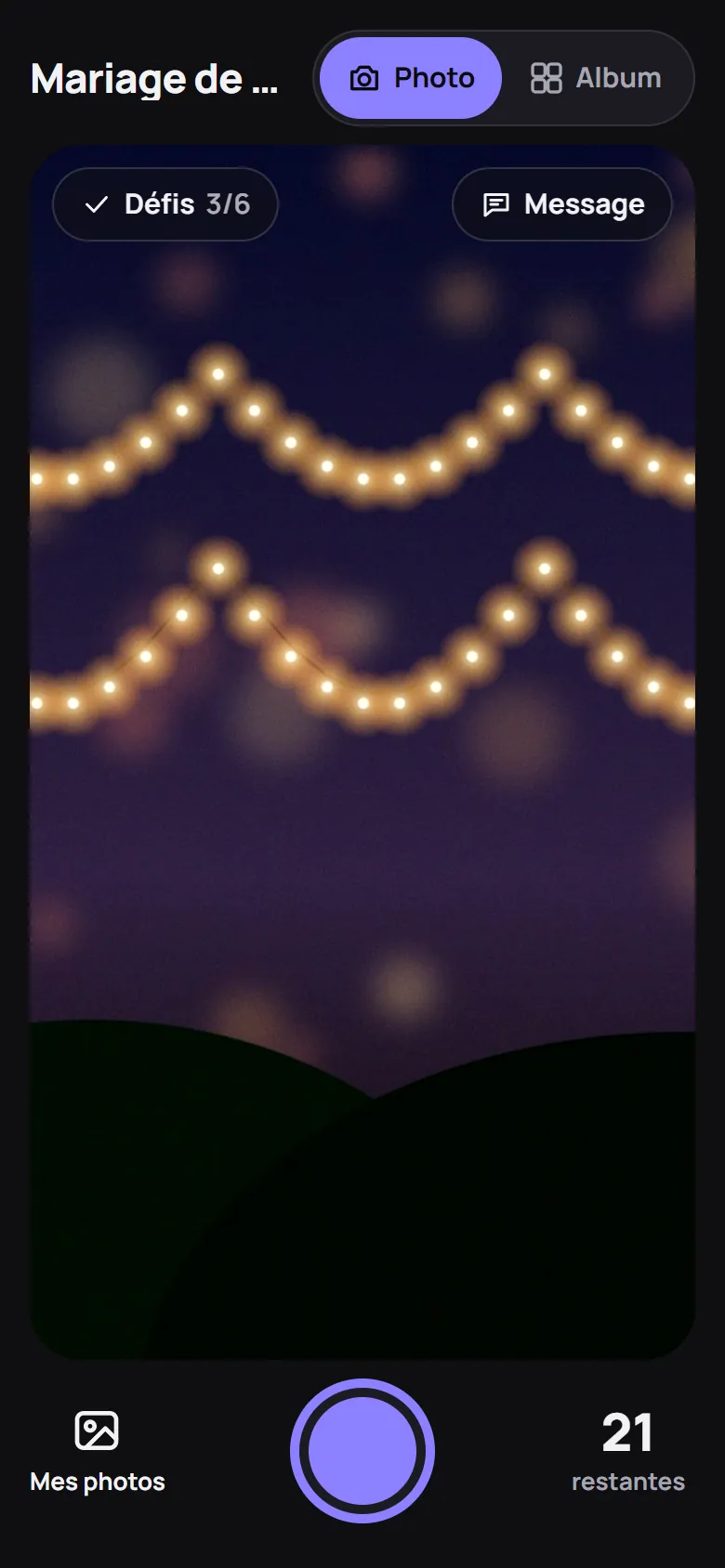
A photo booth with no booth. Nothing to deliver or set up: every employee takes photos with their phone, and the photo wall puts on the show in the room. All about the photo booth →
- Photo challenges for everyone. A list of prompts you write (“The whole team in one photo”): everyone ticks off the ones they've done.
- A secret mission for each person. Drawn at random on arrival, known only to them: a reason to go and talk to colleagues they barely know.
- The photo wall in the room. On the screen or projector, a countdown, then the photos. In Live mode, they appear on the wall as the event goes on.
- One table per team? One QR code per table: once the album opens, anyone can filter it by table.
You stay in control
- Photos checked before publication. Each photo waits for a moderator's approval before others can see it.
- Several moderators, of your choice: communications, HR, management. They don't count as guests.
- QR codes under control. One per entrance, per table or per area, each with its own name, an expiry date and a maximum number of people.
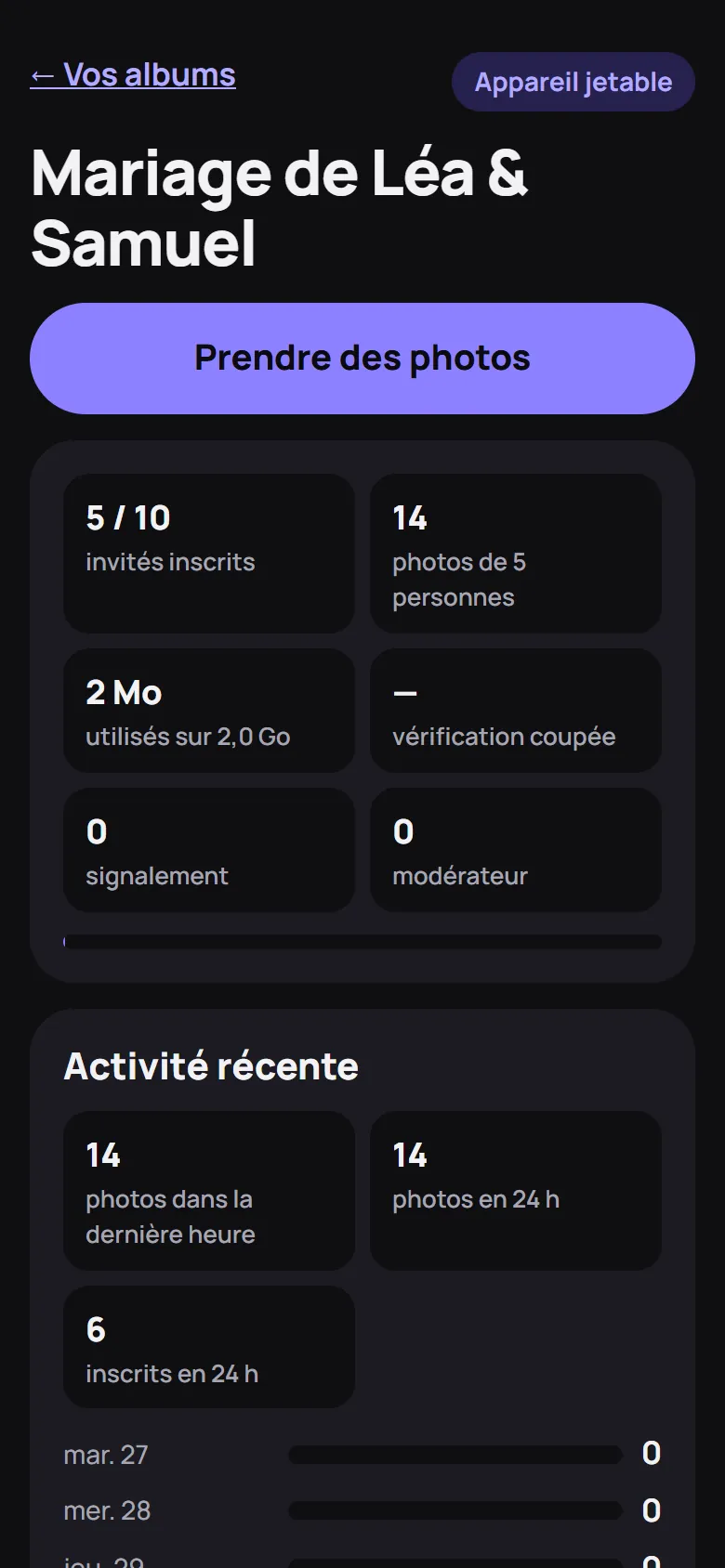
- The dashboard. Guests joined, photos received, photos to check, space used: you follow participation during the event.
Agencies and event planners
You prepare the album; your client and their guests enjoy it.
- Everything is set up in advance. Mode, reveal date, challenges, QR codes: you prepare the album before the day, and the settings can still be changed after it's created.
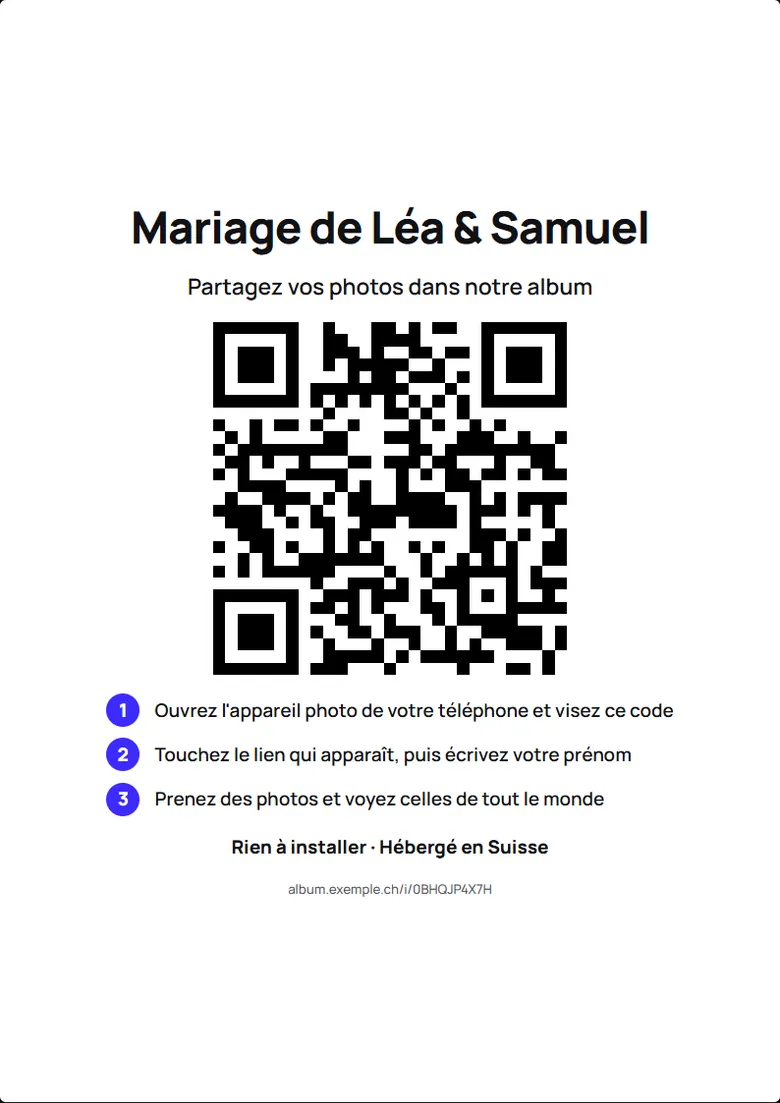
- A poster ready to print. A4 or table tent, one page per table, each with its own QR code.
- Your client moderates with you. Give them a moderator QR code: they check and remove photos, with no account to create.
- The complete album to hand over. The whole album downloads in one go, and stays online until its deletion date.
The Business plan
from CHF 290.– per event
- up to 1000 guests
- 500 GB of photos
- album kept for 12 months
- your moderators can see the photos before the guests
On quotation, depending on your event. Prices in Swiss francs.
Questions from companies
Do our staff need to install an app?
No. They scan the QR code with their phone's camera: the album opens in the browser. No account to create, first name optional.
Does it comply with the Swiss data protection act (FADP)?
We don't claim any certification. Here are the facts: photos and data stored in Switzerland, no facial recognition, deletion on the planned date, written rules accepted by every participant. Show them to your data protection officer: read the album rules.
Who sees the photos, and when?
By default, everyone sees only their own until the reveal time you set; in Live mode, everyone sees them straight away. With checking switched on, a photo is shown only after a moderator has approved it.
Try it before your next event
Create a trial album and test it with a few colleagues: you'll see exactly what your teams will see.
Create a trial albumRequest a quote