The photo booth in every guest's phone
A QR code on the tables, and the whole party becomes a photo booth. Photo challenges for entertainment, a photo wall for the show, and everyone's album at the end.
Free for up to 10 guests, to try it out.
An alternative to the classic photo booth
A booth has its charm: a decorated corner, a cheerful queue, prints to take home. A photo booth in every phone has a different one.
| Photo booth | The photo booth in every phone | |
|---|---|---|
| Where photos are taken | In the corner where it's set up | Everywhere: the room, the garden, the dance floor, getting ready |
| How many at once | One group after another | All the guests at the same time |
| The setting | The backdrop chosen for the booth | The real setting and the atmosphere of the party |
| Setting up | Delivery, set-up, staff during the evening, depending on the package hired | A poster with the QR code, to print |
| Props | The ones supplied with the booth | Your own: a basket on a table, everyone uses them with their phone |
| Entertainment | Taking turns in front of the booth | Photo challenges, a secret mission, a photo wall in the room |
| Photos after the party | Depending on the provider | A private album with everyone's photos, on the chosen date |
And if you'd like both, they get on well: the booth for prints, the phones for everything else.
How it works
- The QR code. Create the album, print the A4 poster or the A6 table card and put them on the tables. One QR code per table if you like.
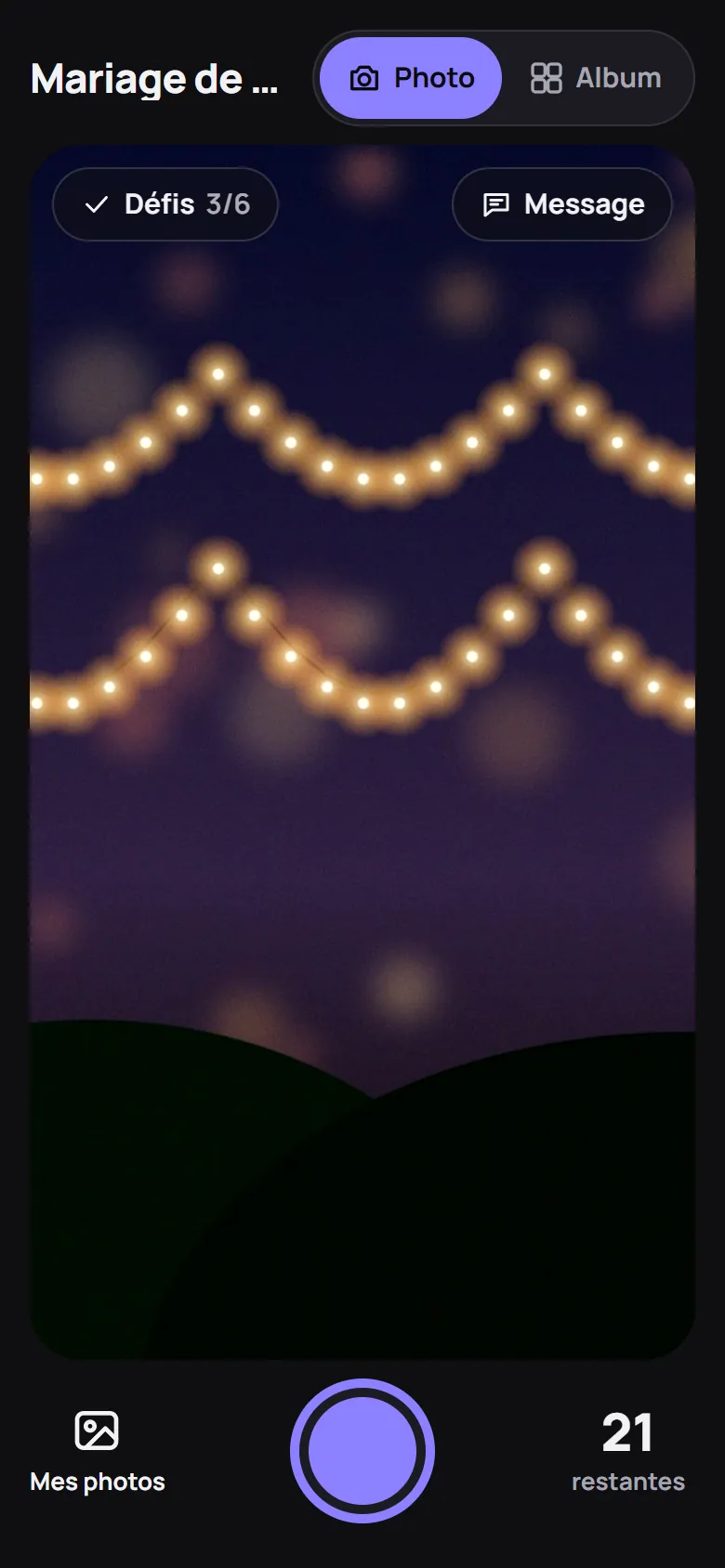
- The photos. Guests scan and take photos with their phone, no app needed. In Disposable camera mode, 24 photos each, discovered later, all together.
- The challenges. Photo challenges for everyone, and a secret mission drawn at random on arrival that only each guest knows.
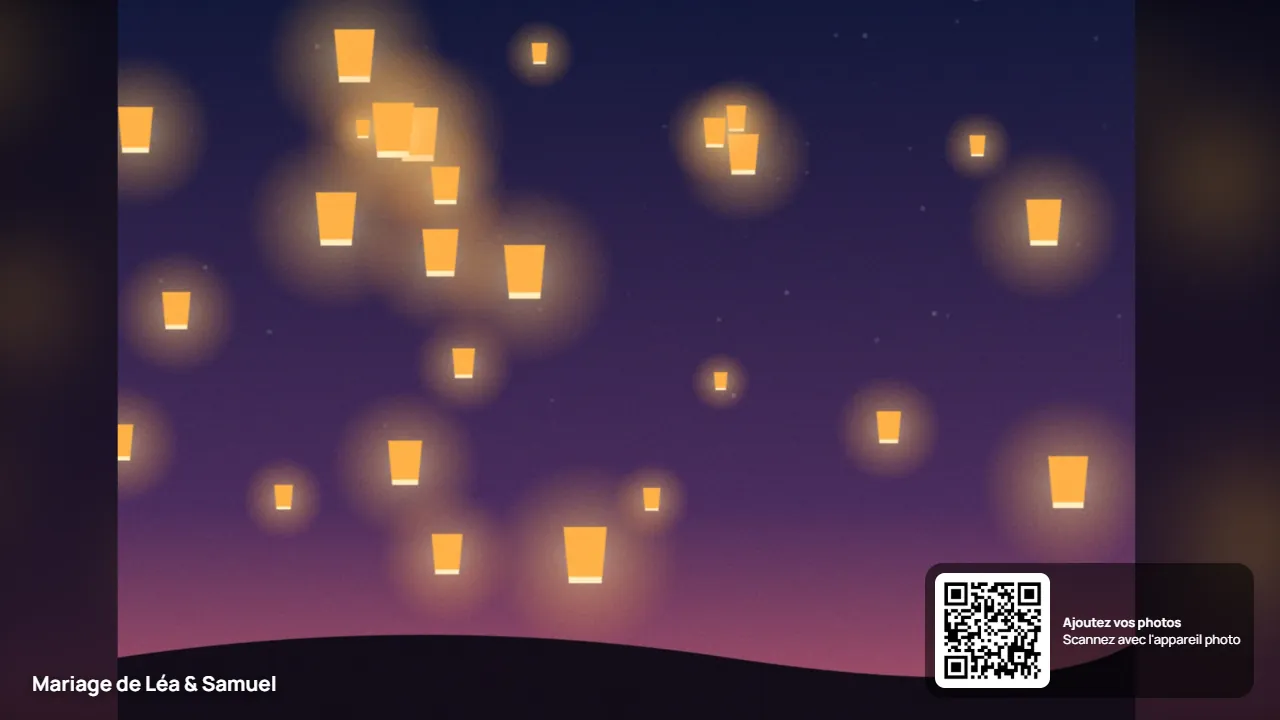
- The wall. On the venue's TV or projector: the QR code to join, a countdown, the reveal. In Live mode, photos appear as the party goes on.
- The album. On the chosen date, everyone's photos in a private album, with the voice or written guestbook.
For every occasion
Wedding
Both sides getting ready, the tables at the back, the dance floor until the end of the night. The next day, or on the date you choose, the couple discover their party as all their guests saw it.
For your wedding →Birthday
A QR code on the table, and everyone becomes a photographer. The challenges bring childhood friends and colleagues together.
For your birthday →Companies and team building
A photo booth with no booth: nothing to deliver to your premises, every employee takes photos with their phone. Challenges get everyone moving, and the wall shows the result in the room.
For companies →Photographers
Offer it to your couples: entertainment for the guests and an album of their photos, on top of your coverage.
For photographers →Your questions
Do guests need an app?
No. Guests scan the QR code and take photos from their browser, with nothing to install.
Can the photos be printed?
Yes, once downloaded. The organiser and their moderators can always download the photos in full quality, one by one or the whole album at once. Guests can too, if the organiser allows it in the settings. Then print them wherever you like.
What about props?
Bring your own: hats, glasses, signs, anything that suits you. Put them in a basket on a table and everyone uses them with their phone.
Do guests see the photos straight away?
It depends on the mode you choose. With Disposable camera and Surprise, everyone sees their own photos, and everyone discovers the others' on the chosen date. With Live, the album is open during the party.
What do you need for the photo wall?
A screen with a browser: a TV or a projector. If minors are present at the event, the wall isn't offered: photos go through a check before publication.
How much does it cost?
Free for up to 10 guests, to try it out. The other plans are on the prices page, per event, with no subscription.
Your photo booth is already in their pocket
Create a trial album, invite a few friends, start a challenge: you'll see the party the way your guests will.
Create a trial album