
Create a photo album for an event
Updated on 5 November 2026
In short
To create an album, the organiser signs in with their email address, through a link sent to their inbox, with no password. They then answer three questions: the name of the party, how the album works and when the photos appear. The album is ready straight away, on the Free plan, with its QR code to print.
Sign in
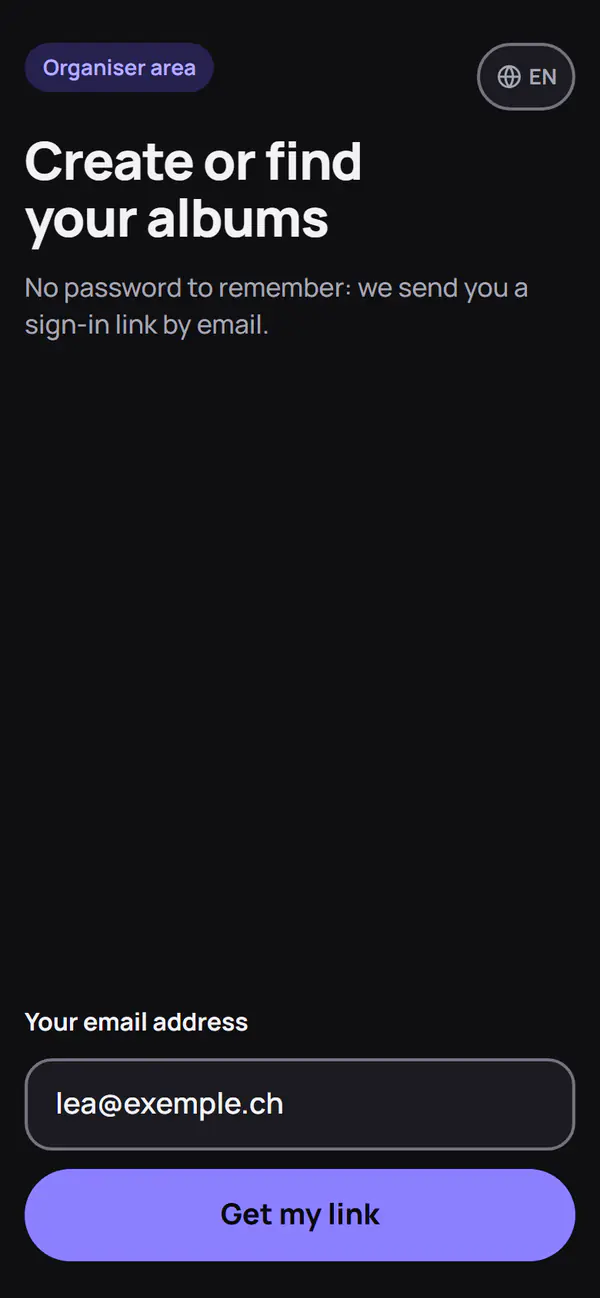
The organiser enters their email address and receives a sign-in link. At each sign-in, an email gives the date and the type of device, so that they can spot a sign-in that is not theirs. Guests need neither an account nor an address.
Three questions
- Your party: the name of the event, and its type if you wish.
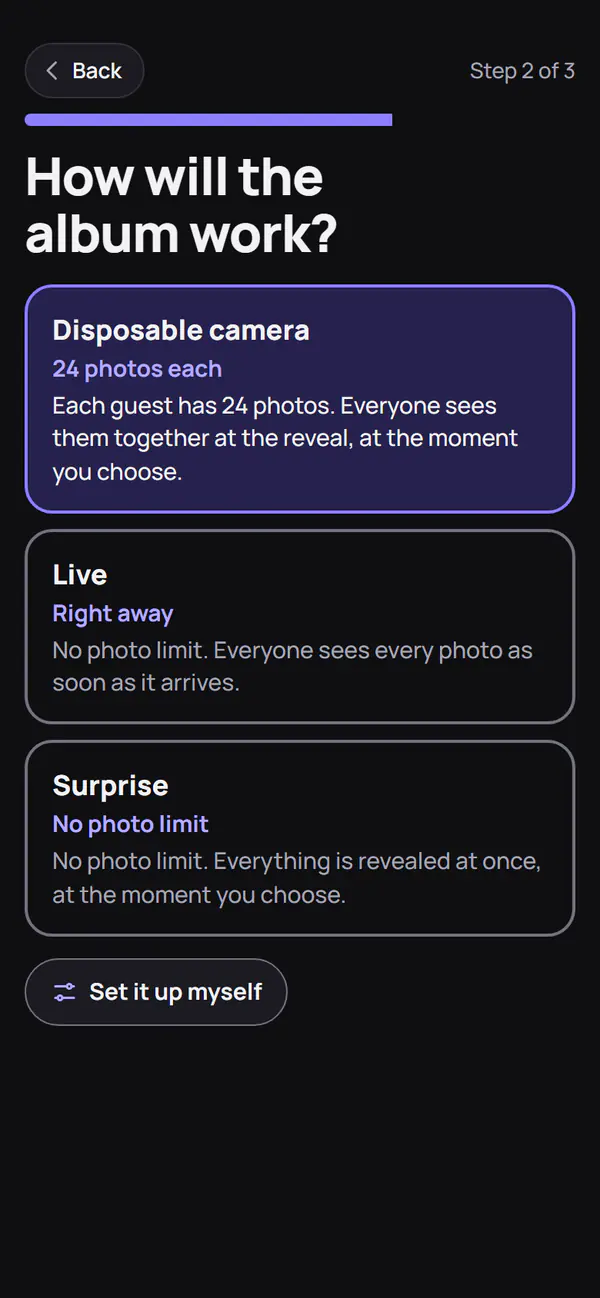
- How does the album work? Disposable camera, Live or Surprise, or “Set it up myself”.
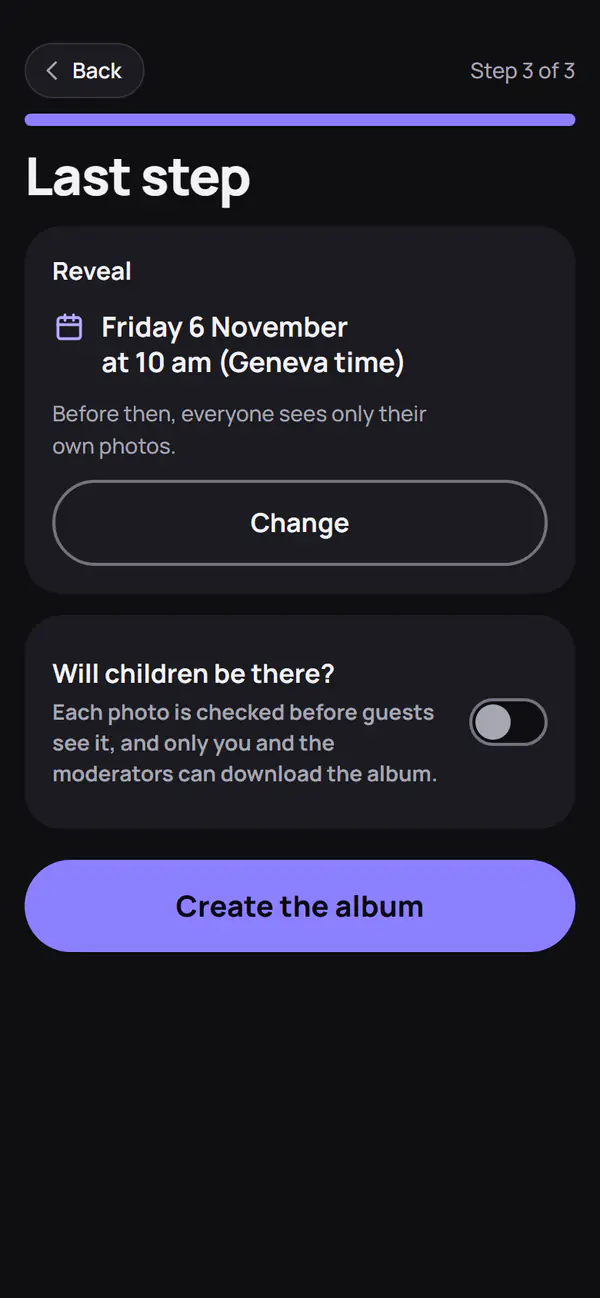
- When do the photos appear? The date and time of the reveal, in the local time of the event. The same step asks whether children will be there.
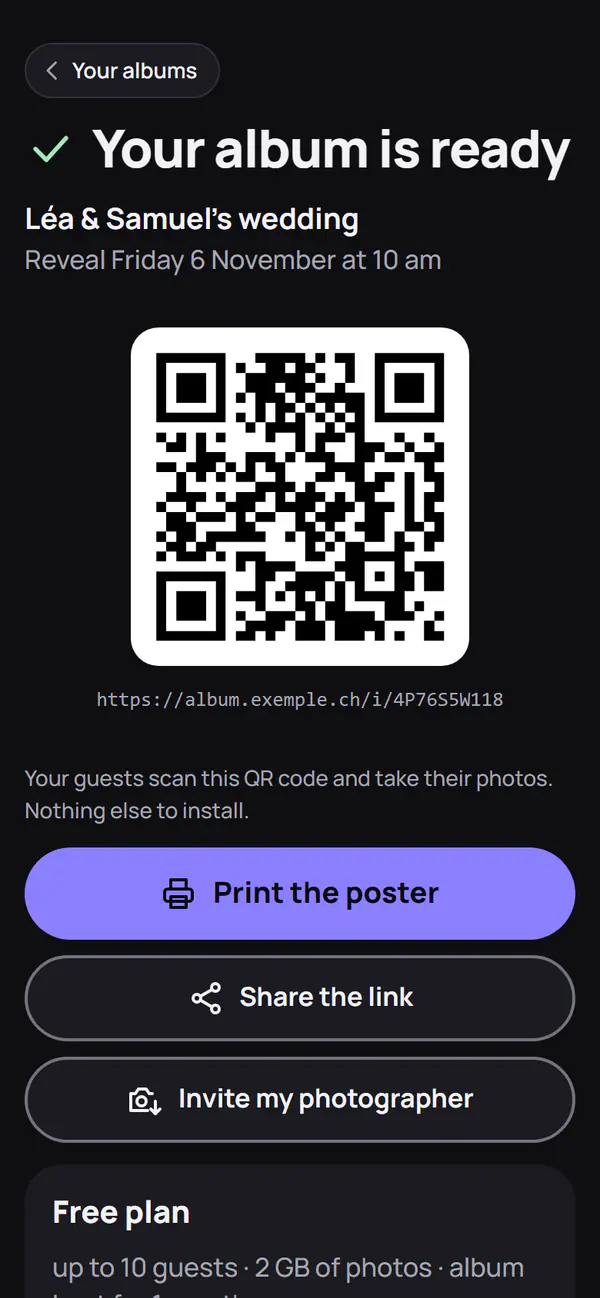
The album starts on the Free plan. A paid plan can be chosen right after, on the “Your album is ready” screen, or later.
Album settings
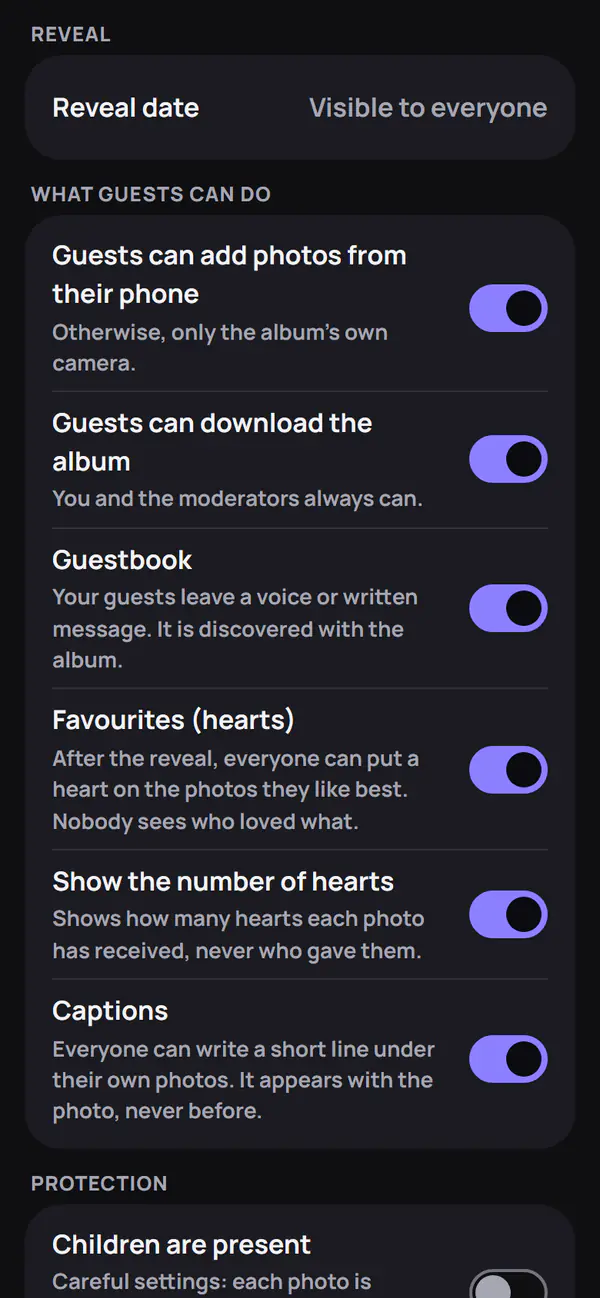
Each setting can be changed later from the album:
- check each photo before guests see it;
- let guests add photos from their phone, or only use the album's camera;
- guestbook, written or spoken;
- favourites, with or without the number shown;
- captions under photos;
- album download by guests;
- photo taking: a time range outside which the guests' camera stays closed.
“Reveal now” shows every photo to everyone, with no way back.
If children are present
The album takes careful settings: each photo is checked before it is visible, only the organiser and moderators can download the album, and there is neither a photo wall nor a sharing link. Details are in Moderation and reports.
What comes next
The QR code is shared as explained in Invite with a QR code. The organiser can delete their album before the planned date: everything is erased. Otherwise, the album is deleted at the end of its storage period (Download and storage).
Frequently asked questions
Do I need a password to create an album?
No. The organiser signs in with a link sent to their email address. There is no password to remember.
What about an event in another country?
The album has its own time zone. Dates are set in the local time of the event, which can be changed in the settings.