
Take and send photos as a guest
Updated on 5 November 2026
In short
A guest takes photos directly in the album page, or adds photos from their phone's camera roll if the organiser allows it. Each photo goes to the album as soon as there is network; without network, it waits on the phone. Until the reveal, the guest only sees their own photos.
The album's camera
The camera opens in the browser, on iPhone and Android alike. In Disposable camera mode, a counter shows the photos left: 24 by default. If the organiser has set a photo taking period, the camera stays closed outside those hours.
A photo from the camera roll is added with its original file, as JPEG or PNG, up to 20 MB. In Disposable camera mode, it counts towards the guest's photos.
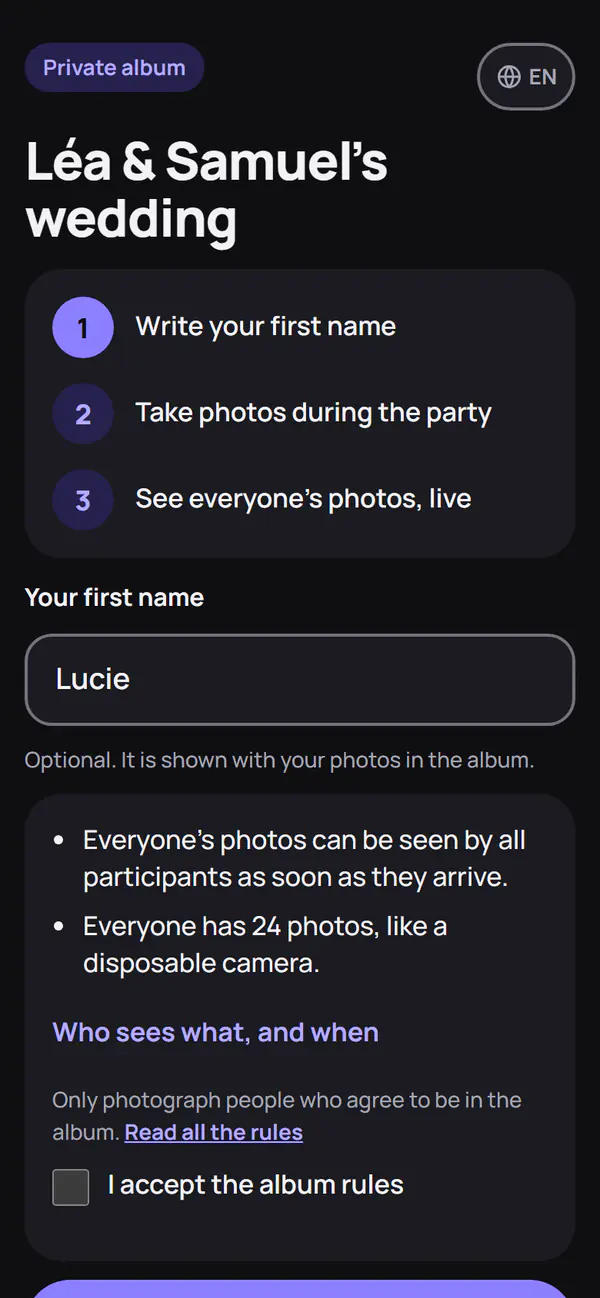
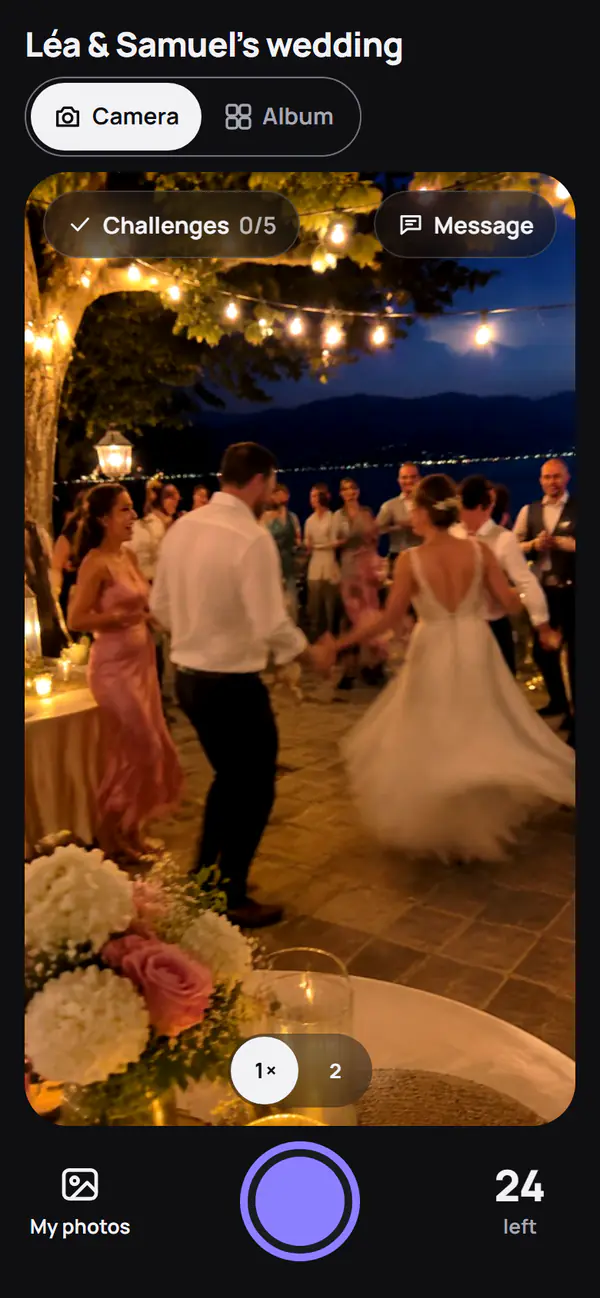
Without network
Network is needed to open the album. A photo then taken offline stays on the phone and is sent when the guest reopens the album with network. After the photo taking period ends, a photo still waiting is accepted for 6 more hours. If the album is no longer available, the photo stays on the phone until the guest saves or deletes it.
Captions, challenges, guestbook, favourites
Depending on the organiser's settings:
- caption: a sentence of up to 140 characters under one's own photos, shown with the photo, never before;
- photo challenges and a secret mission drawn at random on arrival, under the “Challenges” button;
- guestbook: a written or spoken message, revealed with the album;
- favourites: after the reveal, a heart on one's favourite photos. Nobody sees who liked what.
Delete your photos
A guest deletes a photo, or all their photos, themselves, at the bottom of the album, at any time before it closes. A removed photo is erased from storage, along with the prepared downloads that contained it. Sharing rules are in the album rules.
Frequently asked questions
Can guests send videos?
No. The album only takes photos, as JPEG or PNG.
When can guests see each other's photos?
At the time chosen by the organiser: straight away in Live mode, at the reveal in Disposable camera and Surprise. Until then, everyone only sees their own.