
Invite with a QR code: poster, table card, one code per table
Updated on 5 November 2026
In short
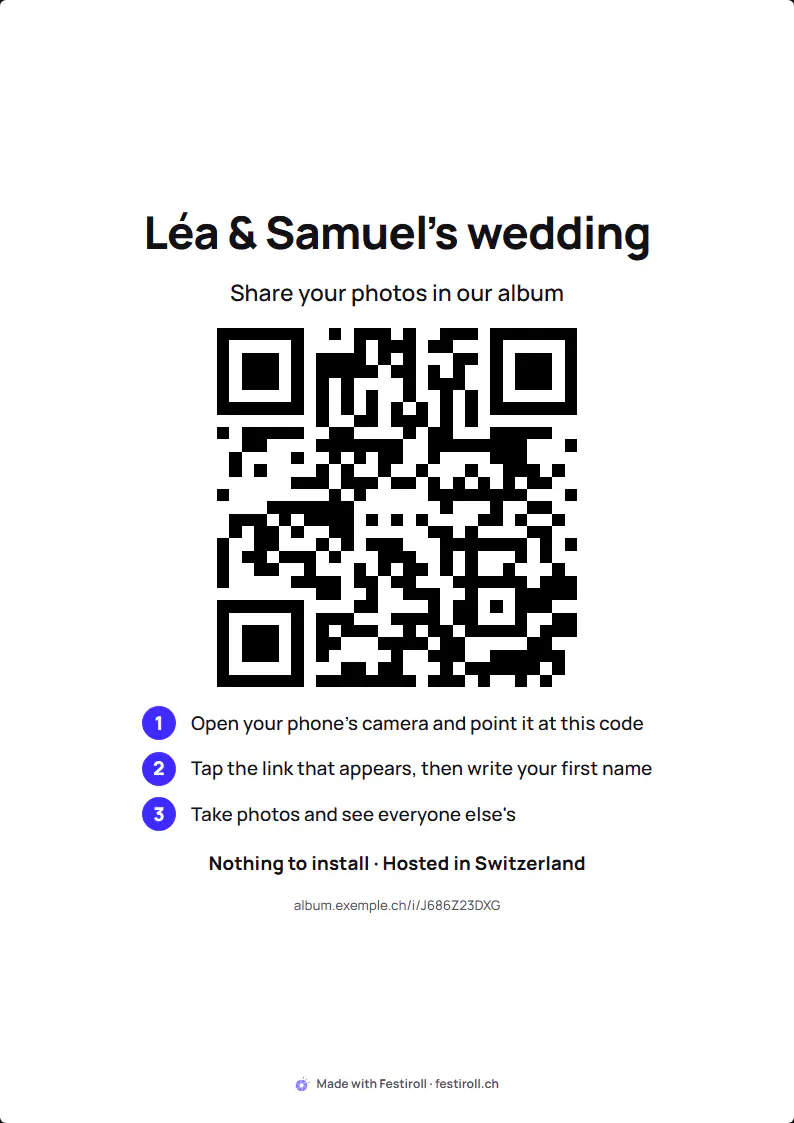
Guests join the album by scanning the guest QR code with their phone's camera. The album opens in the browser, with no app, no account and no email address. The organiser prints this QR code on a poster or a table card, or sends the album link by message.
Print the QR code
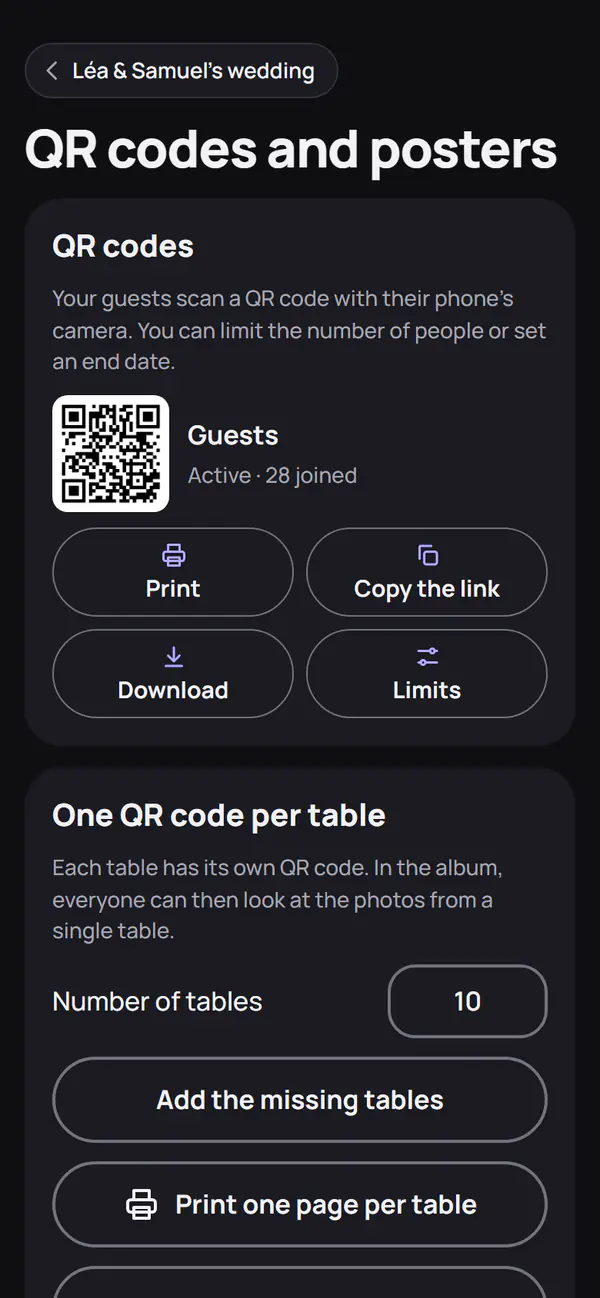
The album offers an A4 poster and a table card to print, with the name of the event and the QR code. One QR code per table or per area is possible: they all lead to the same album.
For a trip or for people far away, the album link can be sent by message: it works like the QR code.
Limit or turn off a QR code
A QR code can be given an end date or a maximum number of uses. Once past the limit, it no longer lets anyone in. The organiser can also turn off the guest QR code at any time. In both cases, guests who have already joined keep their access.
One QR code per role
- The guest QR code is the one you display.
- The moderator QR code goes to the people who check photos.
- The photographer QR code opens the photographer's Studio (Studio and deliveries).
Do not give the moderator or photographer QR code to a guest: it grants other rights.
Family who cannot be there
A sharing link shows the album to absent family, with no account. The organiser can revoke it at any time. It does not exist when children are present.
Frequently asked questions
Do guests have to create an account?
No. A cookie recognises their phone in this album. Those who wish can leave an email address to be notified, and then find the album in their Festiroll account.
What does a guest see when the album is full?
A message says the plan's number of guests has been reached and asks them to tell the organiser, who can choose a larger plan.